A multitasking terminal forCodex
Run multiple sessions in parallel, let agents collaborate while each works in its own git worktree and branch, track what every agent is doing at a glance, and respond to approvals and questions, without getting lost in tabs and windows. Built for macOS, and for humans who multitask with AI.
stop chasing your agents . . .
- Are your eyes dry from reading scrollback, hunting for the one line that tells you what actually happened?
- Have you assigned an orchestrator, only to find five agents quietly stalled?
- Does switching between Claude Code, Codex, and opencode mean each new agent starts cold, with no idea what the last one did?
- Do fifteen repos have fifteen drifting CLAUDE.md files, each one set up a little differently?
- Are you running your agents across ten different tools when one would do?
one crystl, to rule them all
- Anoint an orchestrator who actually monitors its workers and can read their terminals.
- Run agents in parallel across all your projects, each agent in its own git worktree.
- Give every agent on a project the same context: one shared task list, and a history agents can search for what the others said and ran.
- Keep every project's agent files healthy with the optimizer: one score, each gap named, one-click fixes.
- Replace the stack with one app: terminals for every agent, a composer to talk to them, schedules and sequences for automation, and a markdown editor for docs.
And with auto-resume and persistent history, you can always pick up where you left off.
conduct an orchestra of agents
Every project you open is a gem, and every session inside it is a shard. That's the whole model: your work stays organized by project, and crystl watches every session so you don't have to.
they come to you
floating cards
Approval requests, questions, and notifications float on screen as glass cards, color-coded by gem. Spot what needs you and respond without hunting through a wall of terminal windows.
token tracking
crystl counts the tokens every turn burns and projects how many you have left. Open the panel to see what each plugin and skill costs, and disable the heavy ones to stretch your context further.
crystl on iphone
Your whole roster in your pocket. Monitor which agents need input, approve access, answer questions, and spawn new agents. Free over Wi-Fi; connect from anywhere via encrypted relay on Guild. Now on the App Store.
run more agents at once
parallel in separate worktrees
Run several agents on the same repo at once. Each isolated shard gets its own git worktree and branch, and off-screen shards throttle to near-zero render work, so scaling from two agents to a dozen stays light on your Mac.
agent orchestration
Spawn numerous agents across projects: Claude Code, Codex, and more. Anoint an orchestrator to manage subagents (guild only), or launch an adventure party with crystl quest.
crystl quest
Assemble a roundtable of role-played agents in a shared chat. They divide the work, debate the approach, and report back. Multi-agent orchestration you can actually follow.
hero shards
Summon a single hero as a shard: a solo specialist with its own agent, model, and persona. The right expert for the task in front of you, one click away.
your setup lives in your repo
agent files in your repo
Your setup is plain markdown committed with your code: instructions, tasks, direction. Every agent reads the same files, every clone gets them, and nothing is locked inside crystl.
workbench
Keep a shared task list in every project, backed by a plain WORKBENCH.md. You and the agent see the same list. It checks items off and adds what it finds as it goes.
project optimizer
Open any project and see how well it's set up for agents: one score, every gap ranked by severity, one-click fixes. Fifteen repos stop drifting into fifteen different setups.
built on a real terminal
cavrn terminal
The terminal as structured data. crystl's engine captures every turn, tool call, result, and table as agent-readable metadata, so agents can read each other's sessions, not just watch them. Drawn fast on the GPU with Metal.
open models
Run open models on your hardware or through a managed host. Set them up once, orchestrate them alongside frontier agents, and save on tokens.
remote development
SSH into any machine and keep every crystl feature working. Approval cards, file drag-and-drop, and click-to-open all flow through the tunnel automatically.
agent-callable CLI
guild membershipA built-in crystl CLI lets you (and agents themselves) spawn shards, read terminals, and handle approvals from any shell. Orchestrator agents fan work out across projects without ever touching the GUI.
crystl on your iPhone
Spend less time at your desk while your agents stay busy. crystl for iOS puts all your projects in your pocket: see who needs input, approve access, and spawn new agents from anywhere.


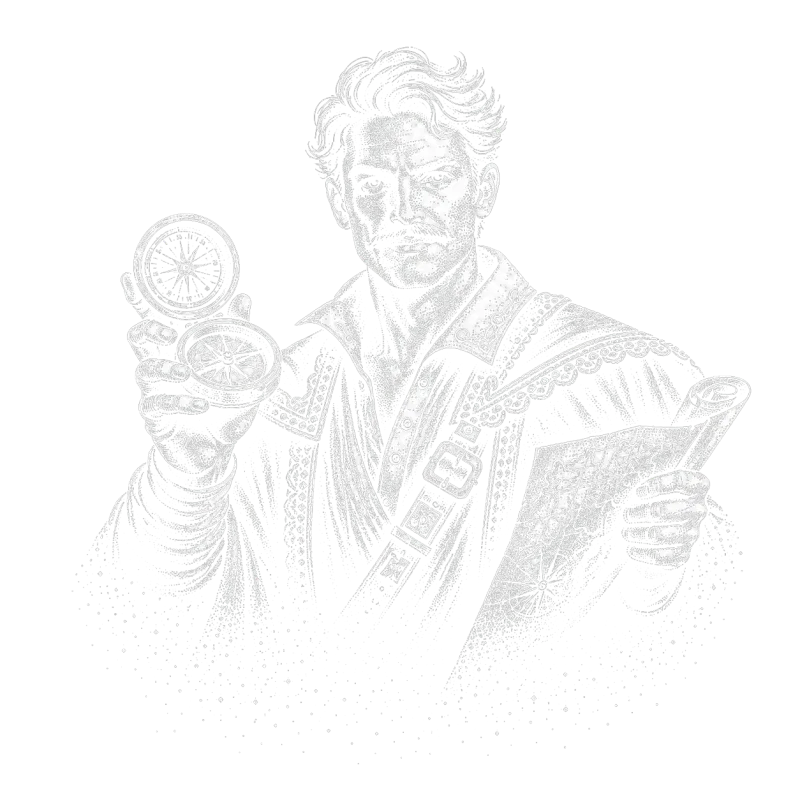
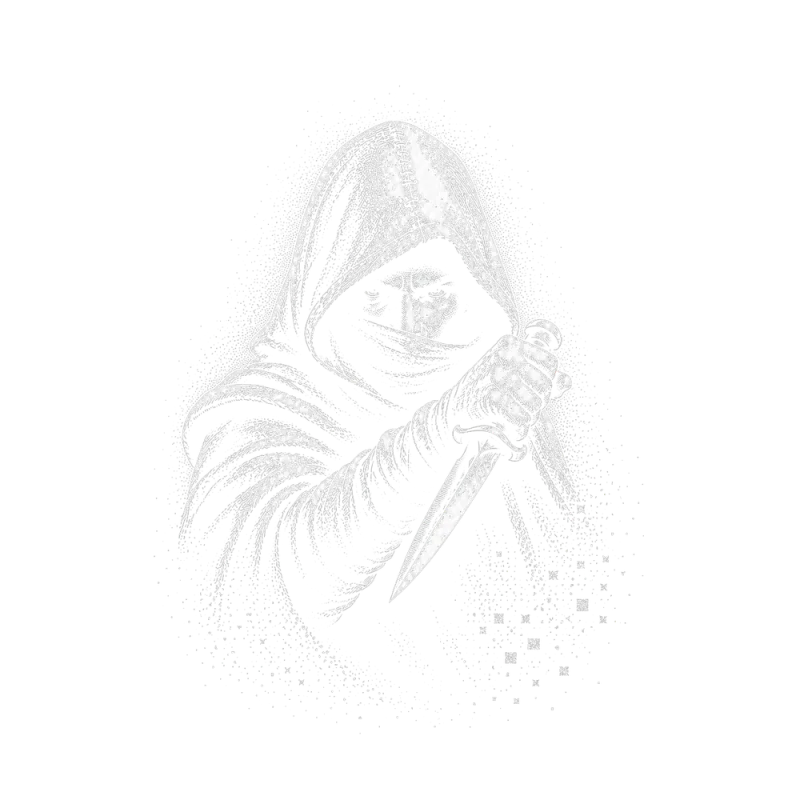
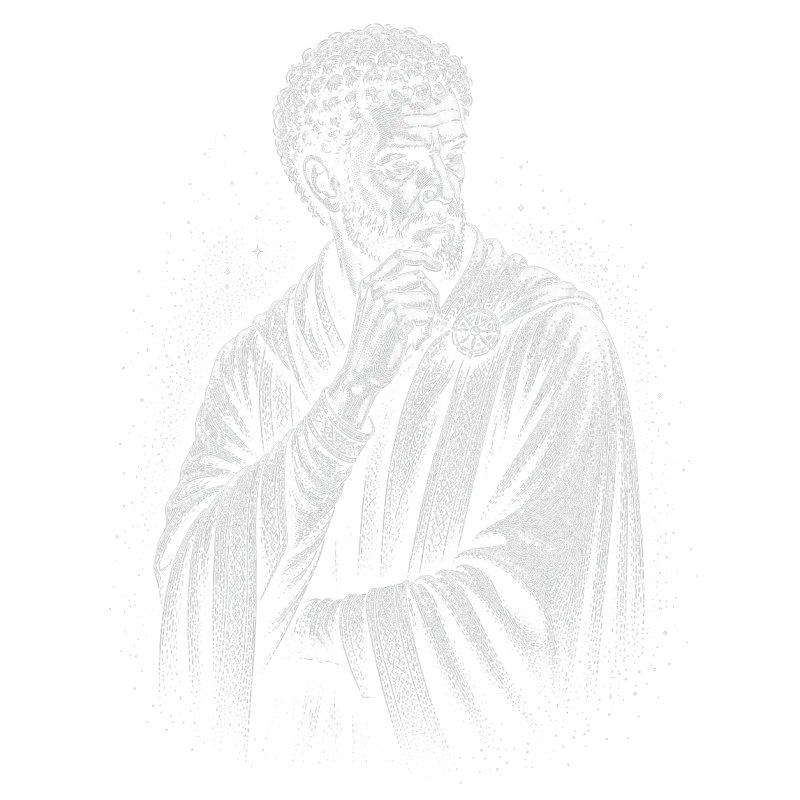
crystl quest
Assemble a party of specialized agents. Each brings unique skills, coordinates in shared chat, and executes in parallel, without stepping on each other's toes.
choose your heroes
 ✦✦✦✦
✦✦✦✦ ✦✦✦✦
✦✦✦✦ ✦✦✦✦
✦✦✦✦ ✦✦✦✦
✦✦✦✦ ✦✦✦✦
✦✦✦✦ ✦✦✦✦
✦✦✦✦ ✦✦✦✦
✦✦✦✦ ✦✦✦✦
✦✦✦✦ ✦✦✦✦
✦✦✦✦ ✦✦✦✦
✦✦✦✦ ✦✦✦✦
✦✦✦✦ ✦✦✦✦
✦✦✦✦ ✦✦✦✦
✦✦✦✦ ✦✦✦✦
✦✦✦✦ ✦✦✦✦
✦✦✦✦ ✦✦✦✦
✦✦✦✦ ✦✦✦✦
✦✦✦✦ ✦✦✦✦
✦✦✦✦ ✦✦✦✦
✦✦✦✦ ✦✦✦✦
✦✦✦✦ ✦✦✦✦
✦✦✦✦ ✦✦✦✦
✦✦✦✦ ✦✦✦✦
✦✦✦✦ ✦✦✦✦
✦✦✦✦ ✦✦✦✦
✦✦✦✦ ✦✦✦✦
✦✦✦✦ ✦✦✦✦
✦✦✦✦ ✦✦✦✦
✦✦✦✦ ✦✦✦✦
✦✦✦✦ ✦✦✦✦
✦✦✦✦ ✦✦✦✦
✦✦✦✦ ✦✦✦✦
✦✦✦✦ ✦✦✦✦
✦✦✦✦ ✦✦✦✦
✦✦✦✦ ✦✦✦✦
✦✦✦✦Works with worktree isolation or shared directories. You command the party.
Your adventure awaits . . .
View plans & pricingFrequently asked questions
- What is a multitasking terminal for AI agents?
- It's a terminal that lets you handle many different tasks and agents at once without getting lost in tabs and windows. crystl solves this in several ways. Every project is discoverable by name and a custom colored icon, and a dockside rail keeps them all in one place: click an icon and that project comes forward. Agentic hooks surface 'floating cards' for approvals, questions, and notifications that you can act on by clicking a button or typing a reply, without switching to that project at all. Orchestration makes multitasking easier still: assign an orchestrator agent to run subagents, or launch crystl quest to spawn a preselected party of agents that collaborate on a task together. And a per-project workbench keeps a shared task list your agents read and write alongside you, so nothing falls through the cracks.
- Does crystl only work with Claude Code?
- No. Any CLI agent runs in crystl, since every shard is a full terminal session. The deeper integrations depend on what each agent exposes: Claude Code has the deepest integration, and Codex supports hooks too, so approval cards and notifications work for both. Antigravity CLI doesn't support hooks yet, so those features aren't available for Antigravity sessions, but everything else works.
- Do I need crystl if I already run Claude Code in a terminal?
- Probably not, if one agent on one project at a time is all you do. crystl is for the point where you want more than that. Several agents running at once, each on its own branch. Notifications telling you which one is stuck and what it needs. A searchable record of every session, kept on your own machine. Schedules that run work while you're away from the desk. The friction it removes mostly shows up once you stop working one session at a time.
- Why was crystl built?
- Every feature started as a problem that came up running agents across half a dozen projects in a day. Switching tabs just to find out which agent was waiting. Writing the same long catch-up prompt at the start of every session. Two agents editing the same file and overwriting each other. Work that needed to happen at 6am without anyone watching it. None of it was on a roadmap; each one was a day where the friction got annoying enough to build something. The full list is on the about page.
- Can I use crystl for regular terminal work?
- Yes. Every shard is a full terminal session. You can use crystl as your daily terminal for any command-line work: git, npm, docker, ssh, whatever you need. The AI-specific features are there when you want them.
- What is the CLAUDE.md manager?
- crystl lets you store and name different CLAUDE.md starter files. When you open a project, you can insert the right starter file into the directory, useful if you maintain different instruction sets for different types of work.
- Why did my new shard open in a different directory than my last one?
- Every shard starts at its gem's project directory. Running cd in one shard only moves that shard; the next shard you create still starts at the gem root, so a project's shards stay predictable no matter where any one of them has wandered. crystl prints a hint in the new shard when this happens. If you do want a shard to start where you are, right-click (or control-click) the shard button. And if you start an agent in a sub-project (a git repo inside your gem), crystl offers to open that folder as its own gem, a suggestion you can always dismiss.
- Where did the isolation button go?
- Its jobs moved closer to the things they act on. Creating an isolated shard now happens with the isolated-shard button in the shard bar (or the File menu). Merging and rebasing live on each shard's tab: a shard with unmerged commits shows a small ↑N badge you can click, and every action names the branch, target, and commit count so you know exactly what will move. A 'branches' button appears in the shard bar only when orphaned worktree branches exist, listing parked work from closed shards so you can reattach, merge, or discard it.
- Is crystl free?
- The free plan includes isolated shards & parallel sessions, floating cards, the agent activity panel, split view, history navigator, token tracking, workbench, project optimizer, agent file editor, screenshot & copy bars, MCP servers, API key storage, remote development over SSH, Metal-accelerated GPU rendering, facet inserts, and scheduling, agent or command, up to 3 schedules. The Guild plan ($170/year) adds the Prompt Library integration, formations (with session restore), CLI orchestration, unlimited scheduling, and priority support.
- Does crystl work on Linux or Windows?
- crystl is macOS only. It's a native Swift app and it uses macOS-specific features like the Keychain for secure API key storage.
Latest from the blog
Claude Code stops on a permission prompt when you are away. How to fix it.
An agent that sat on an approval prompt for an hour has a fix: change the permission mode, pre-approve the commands, and route the ones that still wait.
Is there a desktop app or GUI for managing multiple Claude Code sessions in different projects?
Yes, several. Anthropic's own desktop app, VS Code's Agents window, JetBrains Air, Claude Squad, and crystl, with what each one is good at.
Meta-orchestration: the layer above your agent orchestrator
Orchestration is one agent splitting work and running workers in a project. Meta-orchestration is the layer above: watching every project, routing work.