Run a party of agents that coordinate in one chat
Assemble a party of specialized agents. Each brings its own skills, coordinates in shared chat, and can execute in a separate worktree.
Quest is Roundtable orchestration, the collaborative way to run an agent team. Instead of one lead driving workers, your agent team shares an IRC-style chat panel and coordinates as peers. They @mention each other for handoffs and DM for a private thread, with you at the table.
Assign each agent a role (Designer, Backend, Reviewer, QA) with personality and stat modifiers that shape how it works.
Beyond chat, party members can drive each other directly through the crystl CLI: inspect a sibling shard's screen, spawn fresh worktree shards, or handle pending approvals from any agent's terminal. The CLI snippet that crystl injects into each gem's CLAUDE.md / AGENTS.md teaches the party about these commands automatically.
Why it matters
Assemble your party
Pick from role presets (Designer, Researcher, Reviewer, Planner) or create your own. Each agent gets a system prompt tailored to its specialty.
Live coordination
Agents @mention each other to hand off work, send DMs for private threads, and post updates to the shared #quest channel.
quest levels
Give a quest a questline, an ordered set of stages the whole party clears together. A level only advances once every hero checks in, so the party stays in step.
Separate git worktrees
Sealed mode gives each agent its own git worktree and branch, keeping live in-repo edits separate until integration.
quest levels
Turn a quest into a questline
A plain quest is an open room. Levels add structure: a questline breaks the work into an ordered set of stages, and the whole party moves through them together. Each level carries an objective, and the questline only advances once every hero has checked in: done, blocked with a reason, or nothing to do.
Because the gate counts check-ins and not successes, a stuck agent can never freeze the run. A new levels tab (beside chat and activity) shows the current objective, who the party is waiting on, and the whole arc at a glance.
crystl ships built-in questlines, and any plan you shape with the quest master can be saved as a template in .crystl/questlines/ so a staged flow travels with the repo. Read the Quest Levels docs →
quest master
Plan the quest before you field the party
Press plan quest and the quest master joins you: a planning agent that turns your goal into a questline. It authors the plan as a live markdown doc in your workbench editor, so you can edit levels by hand and watch your edits fold back into the arc.
It helps pick the party too, grounded in your real hero catalog, and stages the begin-quest panel with its suggestion (heroes plus sealed or open). You stay the one who presses begin quest. Once the party is running it stays on as a consultant: amending upcoming briefs, and stepping in when a hero stays stuck to review the brief and report to you.
Like the arc? Save it as a template to .crystl/questlines/: committable markdown, so the questline ships with the repo and can be relaunched any time. And a finished quest is one click from coming back: continue last quest relaunches the party with its chat and questline intact, sealed or open just like it ran. Read the Quest Master docs →
side quest
Lighter, two-shard variant
Already mid-task in two shards and want them to coordinate? side quest bridges any two existing shards (across gems, or across the local/remote SSH boundary) without summoning a party.
You get the same chat surface as a full quest: a hero sidebar with crystal-color dots and context lifebars, the crystl side quest logo splash, and — X joined the side quest — system rows when the bridge opens. Open one with ⌘⇧J or from the side quest tab in the quest setup panel.
choose your heroes
 ✦✦✦✦
✦✦✦✦ ✦✦✦✦
✦✦✦✦ ✦✦✦✦
✦✦✦✦ ✦✦✦✦
✦✦✦✦ ✦✦✦✦
✦✦✦✦ ✦✦✦✦
✦✦✦✦ ✦✦✦✦
✦✦✦✦ ✦✦✦✦
✦✦✦✦ ✦✦✦✦
✦✦✦✦ ✦✦✦✦
✦✦✦✦ ✦✦✦✦
✦✦✦✦ ✦✦✦✦
✦✦✦✦ ✦✦✦✦
✦✦✦✦ ✦✦✦✦
✦✦✦✦ ✦✦✦✦
✦✦✦✦ ✦✦✦✦
✦✦✦✦ ✦✦✦✦
✦✦✦✦ ✦✦✦✦
✦✦✦✦ ✦✦✦✦
✦✦✦✦ ✦✦✦✦
✦✦✦✦ ✦✦✦✦
✦✦✦✦ ✦✦✦✦
✦✦✦✦ ✦✦✦✦
✦✦✦✦ ✦✦✦✦
✦✦✦✦ ✦✦✦✦
✦✦✦✦ ✦✦✦✦
✦✦✦✦ ✦✦✦✦
✦✦✦✦ ✦✦✦✦
✦✦✦✦ ✦✦✦✦
✦✦✦✦ ✦✦✦✦
✦✦✦✦ ✦✦✦✦
✦✦✦✦ ✦✦✦✦
✦✦✦✦ ✦✦✦✦
✦✦✦✦ ✦✦✦✦
✦✦✦✦ ✦✦✦✦
✦✦✦✦try it yourself
A free account and a download. macOS only, for now.
get startedgetting started guide →Frequently asked questions
- How many agents can be in a quest party?
- You can summon as many agents as your machine can handle. The default party templates include 4 roles, but you can add more.
- Can agents message each other directly?
- Yes. Agents use @mentions to target a specific shard. These appear as DM threads in the quest panel sidebar.
- What heroes are in the default catalog?
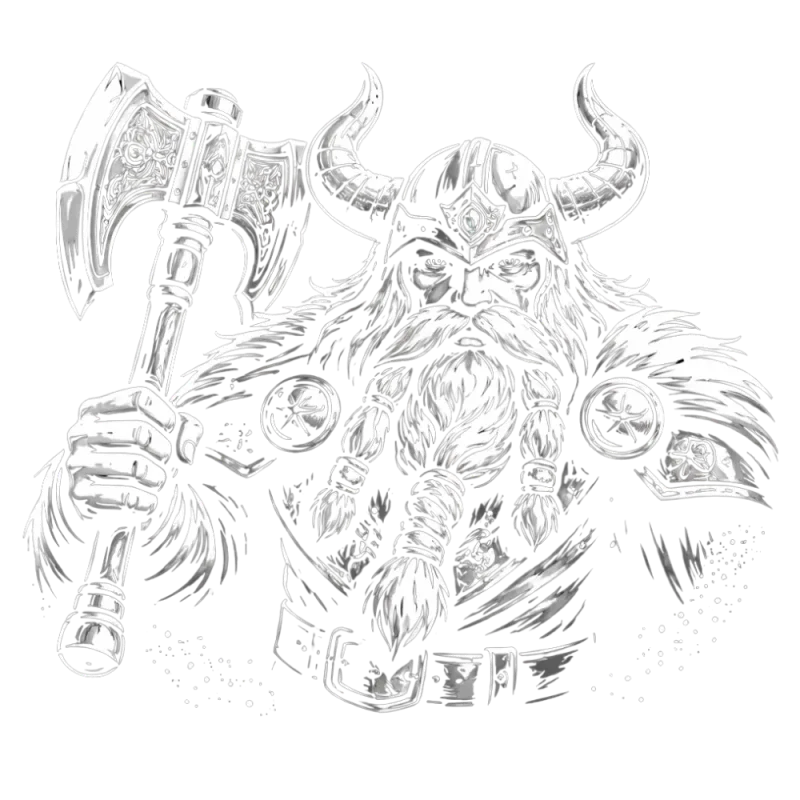
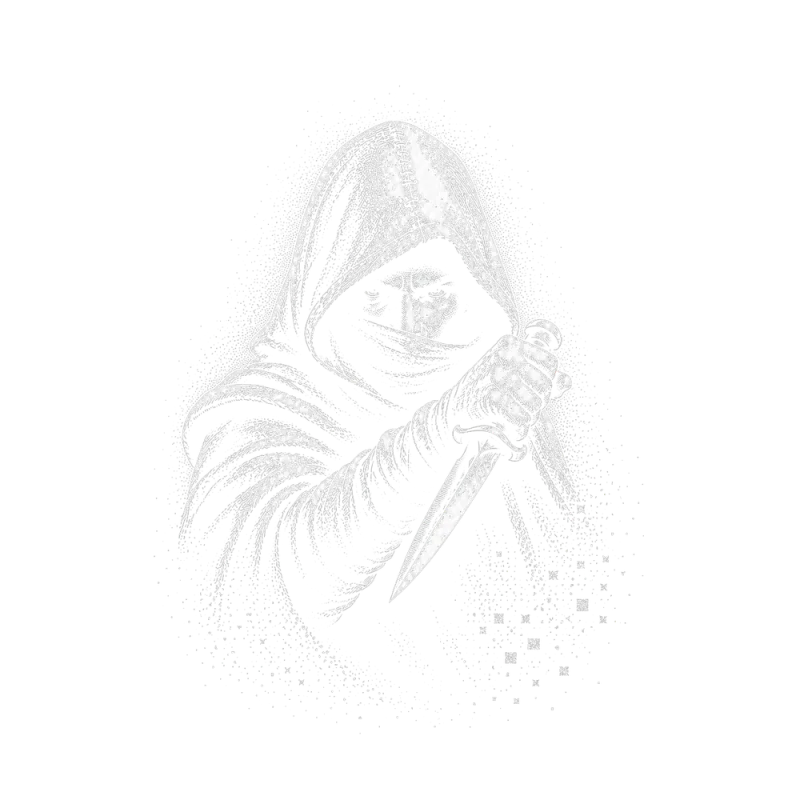
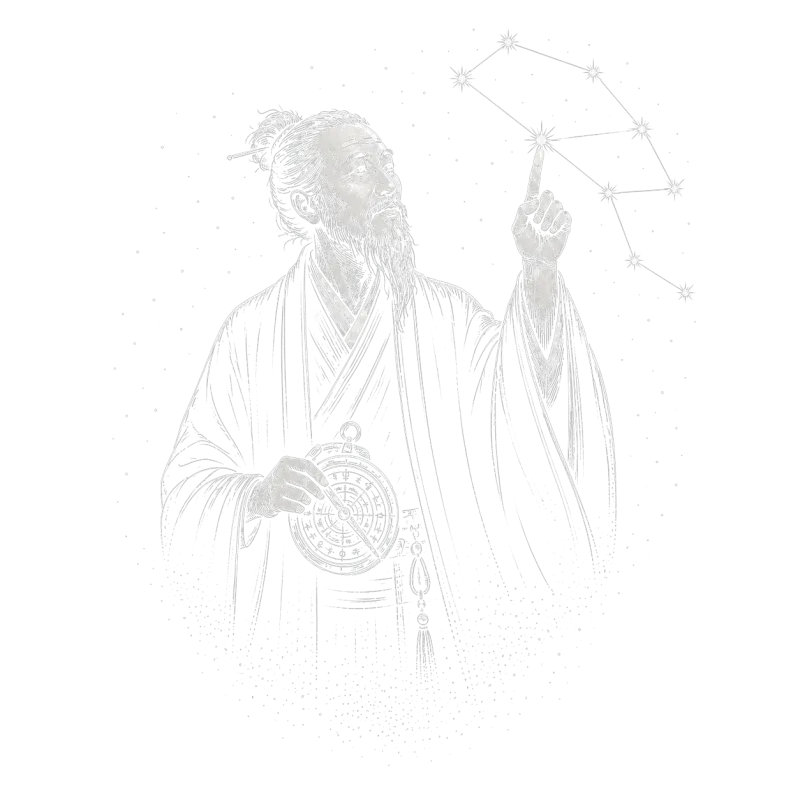
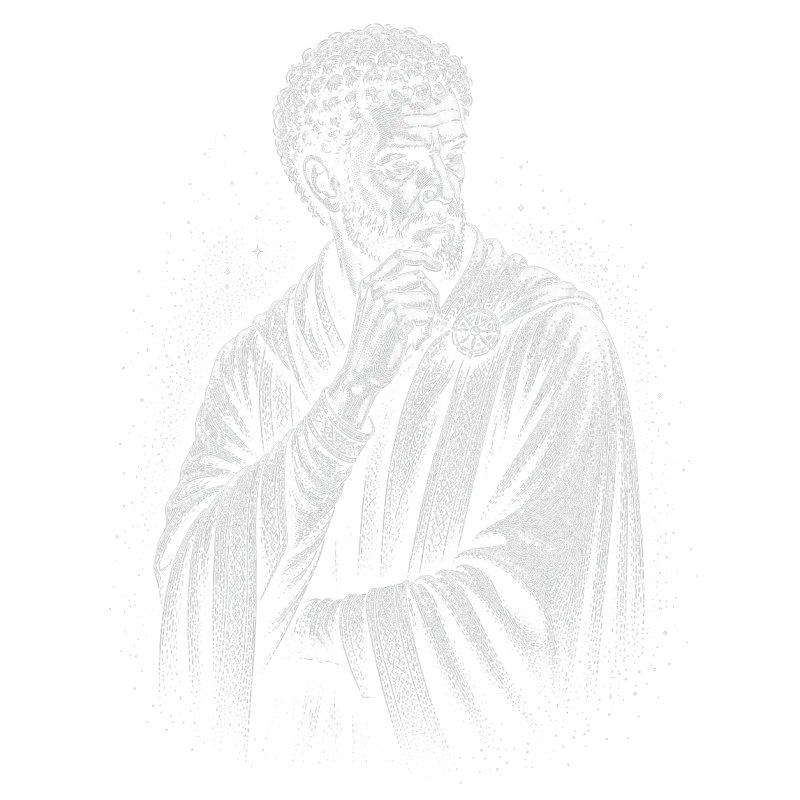
- 15 core heroes ship built in: Wizard (UI/UX), Ranger (Frontend), Rogue (Backend), Paladin (Researcher), Druid (Planner), Bard (Reviewer), Monk (QA), Healer (Context Health), Seeker (Debugging), Sentinel (Security), Dwarf (DevOps), and more. Syncing from crystl.dev in Settings → Heroes expands the catalog to the full roster, currently 30. Each has default stats, a personality, and a charter. Browse all heroes in the Library.
- Do I need worktree isolation to use quest?
- No. Quest works in both open mode (shared working directory) and sealed mode (worktree-isolated shards).
- Can I save custom party configurations?
- Yes. Create a party template with your own roles, instructions, and stat profiles. Reuse it across projects.
- What are Quest Levels?
- Levels give a quest a questline: an ordered set of stages the whole party works through together. Each level has an objective, and the party only advances once every hero checks in: done, blocked (with a reason), or nothing to do. A levels tab tracks the current stage, who you're waiting on, and the whole arc. See the Quest Levels docs.
- Can a levelled quest deadlock if one agent gets stuck?
- No. A level clears on check-ins, not successes. A stuck agent reports 'blocked' with a reason and the party still advances. crystl ships built-in questlines, and you can author your own per project in .crystl/questlines/.

Crystl's Book of Spells
Master crystl with a grimoire of powerful prompts. Summon heroes, assemble a party, revive shards, and complete epic quests.
open the book →More features
Gems & Shards
Gems, shards, and the crystal rail keep every project one click away.
just-ask control
Ask for what you need and your agent does the clicking: text staged for copying, a button that runs the command, a task added, work booked for tomorrow.
Floating Cards
See what every agent needs from you, the moment it needs it.
Agent Activity Panel
One live view of every agent across all your gems: who's working, who's idle, and where tokens are going.
Schedule Agents
Launch a fresh agent at a set time (once, daily, or weekdays). Pick the gem, agent, model, and prompt; crystl fires it on schedule.
Automation (Sequences)
Automate the work you keep doing by hand. Write the job down once and let a schedule, a file landing, or a watched URL run it for you.
Parallel Sessions
Run multiple Claude instances on the same repo in separate git worktrees.
Hero Shards
Summon a single hero as a shard (its own agent, model, and persona) without a quest party.
View Modes
Read a session as a terminal, as a conversation beside it, or as a conversation filling the window. The terminal keeps running either way.
History Navigator
Browse, jump through, and search every session: conversation and tool calls.
Token Tracking
Track token burn per shard, estimate turns left, and reclaim context window by disabling heavy plugins and skills.
Workbench
A slide-out task list in every project, backed by a WORKBENCH.md the agent reads and writes with you.
Markdown Editor
Render and edit any .md in a side panel. Toggle it from the workbench, and let agents open docs for you from the CLI.
Prompt Integration
Facet Inserts give you one-click access to saved prompts, commands, and shortcuts.
Agent File Editor
Create, edit, and manage CLAUDE.md, rules, skills, and agent config files with a block editor, file chooser, and project optimizer.
Project Optimizer
Scan your project for gaps in agent configuration (missing files, incomplete docs, oversized code, and setup issues) with one-click fixes.
Skills Library
Browse and import agentic skills that teach agents like Claude Code or Codex new tricks: code review, testing, deployment, and more.
cavrn terminal
The terminal as structured data: every turn, tool call, result, and table captured as agent-readable metadata. Drawn fast on the GPU with Metal.
Remote Development
Full crystl integration over SSH: approval cards, file relay, and click-to-open on remote machines.
Open Models
Run open models locally or hosted, orchestrate them with frontier agents, and cut token costs.
Agent Orchestration
One agent spawns, supervises, and merges the work of many: a control room for a team of coding agents.
Screenshot Bar
Drag recent screenshots into the terminal. Spotlight-powered, always up to date.
Copy Bar
A one-click copy bar under the terminal. Agents stage text, you click Copy. Editable, up to 10 tabs, free.